Background
The CellScript VS Code extension is local editor tooling for .cell contracts. It uses cellc --lsp for language features and spawns cellc directly for compile, metadata, constraints, and production report commands.
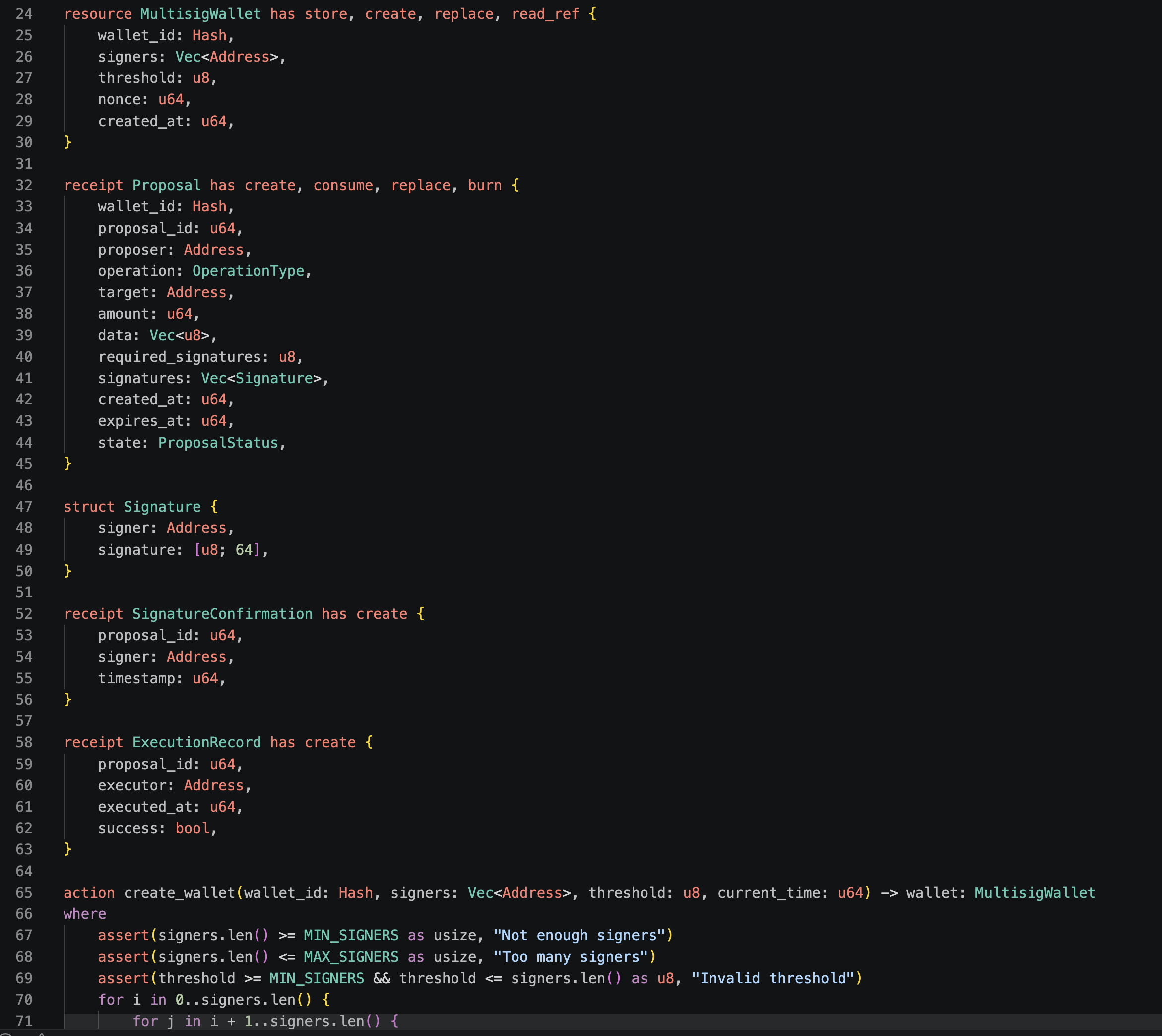
Below is a tutorial for using the CellScript VS Code extension with the 0.15 compiler surface.
1. Install the compiler
From the CellScript repository:
cd /Users/arthur/RustroverProjects/CellScript
cargo build --locked -p cellscript --bin cellc
The development compiler path is:
/Users/arthur/RustroverProjects/CellScript/target/debug/cellc
Check it:
/Users/arthur/RustroverProjects/CellScript/target/debug/cellc --version
2. Install the extension
For a packaged VSIX:
code --install-extension /path/to/cellscript-vscode-0.15.0.vsix
In VS Code you can also use:
Extensions: Install from VSIX...
3. Configure the compiler path
Open VS Code settings and set:
{
  "cellscript.compilerPath": "/Users/arthur/RustroverProjects/CellScript/target/debug/cellc",
  "cellscript.useCargoRunFallback": true,
  "cellscript.target": "riscv64-asm"
}
If cellc is already on PATH, cellscript.compilerPath may stay as cellc.
4. Open a .cell file
Open one of the bundled examples:
/Users/arthur/RustroverProjects/CellScript/examples/token.cell
The extension should start cellc --lsp and provide diagnostics, completion, hover, go-to-definition, references, signature help, document symbols, folding, selection ranges, code actions, and formatting.
Rename is intentionally not advertised for 0.15.
5. Try the 0.15 authoring surface
Use snippets and completion for:
identity(ckb_type_id)create_uniquereplace_uniquedestroy_singleton_typedestroy_uniquedestroy_instanceburn_amountassert_sumassert_conservedassert_deltaassert_distinctassert_singleton- kernel capabilities such as
create,consume,replace,burn,relock,retarget_type, andread_ref
Use --primitive-strict 0.15 for release-facing compiler checks.
6. Run extension commands
Open a .cell file and use the Command Palette:
CellScript: Compile Current File
CellScript: Show Metadata
CellScript: Show Constraints
CellScript: Show Production Report
The production report is an editor-side evidence view. It does not replace the release gate, CKB acceptance gate, or external audit signatures.