Omiga v1.2.0 Release: Enhanced On-Chain Asset Management and Deeper CCC Integration

Hey everyone — it’s been a while since we posted here, though we’ve been quietly building behind the scenes. Today we want to share what we’ve been working on: v1.2.0 is here.

Community feedback has always been a key driver behind Omiga’s product evolution. Over the past couple of months, we’ve been hearing versions of the same question from the community, again and again:

  • Where can I manage my CKB assets if they’re in my UniSat wallet?
  • Can I manage my CKB assets on Omiga?
  • How do I actually manage my CKB assets on Omiga?

Built for you, shipped fast.

We took these feedbacks seriously, and after completing full functional validation on testnet, decided to accelerate the release of v1.2.0.
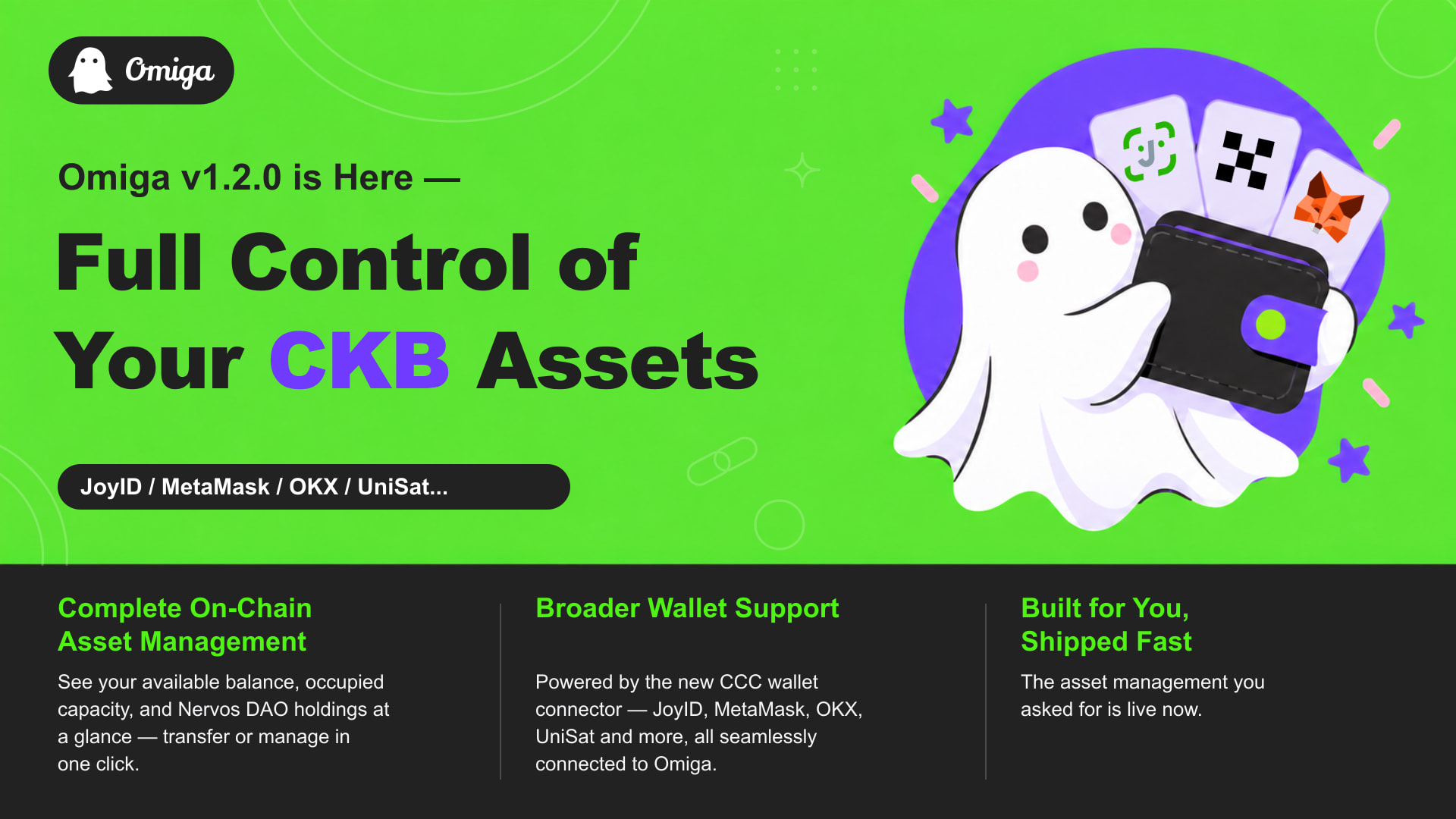
This release focuses on two core areas:

1. Complete On-Chain CKB Asset Management

The scope of what’s manageable in Omiga is no longer limited to tradeable assets. xUDT, DOB, mNFT and sUDT now all show up in the wallet panel and can be managed directly, regardless of their listing status. We’ve also moved CKB transfers to a more prominent position in the panel — previously it took a few extra steps to find, now it’s front and center — and added a direct entry point for Nervos DAO deposits and withdrawals, linking straight to nervdao.com.

2. CCC Wallet Connector Integration

Omiga’s wallet connection layer has been migrated to @ckb-ccc/connector-react, unifying account context management across both the CKB and BTC chains. Beyond simplifying our internal wallet adaptation logic, this change significantly broadens and stabilizes wallet support — JoyID, MetaMask, OKX, UniSat, Utxo Global Wallet, Xverse and other major wallets now connect to Omiga seamlessly, and onboarding new wallets going forward will require far less engineering effort.

We believe that listening closely to our community and responding quickly to real needs is what keeps Omiga moving forward. We’ll continue refining the asset management experience and investing further in ecosystem compatibility.

Thank you to every community member who shared feedback, and to everyone who continues to support Omiga.

:backhand_index_pointing_right: Give it a try at omiga.io — we’d love to hear what you think.

18 Likes

Omiga能支持一下PW-lock锁下的mNFT展示和销毁么,秘宝直到关服都没提供销毁mNFT功能,真失望。

3 Likes

Hey @Oliver and Omiga team, congrats on v1.2.0, the move to the CCC connector is a good call!!

I looked for an Omiga repo to open this as an issue, but I could not find one, so I’m posting it here. Since Mobit went offline, users are being pointed to Omiga:

(my translation, same for the quote below)

I noticed that Omiga keeps only the first CKB address of the connected wallet: for an EVM wallet that is the omnilock address, so assets held under the other locks CCC derives from the same key stay invisible in Omiga.

CCC’s EVM signer derives three addresses: omnilock (the recommended one), the old omnilock flavor and PW Lock (the deprecated Portal Wallet lock). Omiga calls getRecommendedAddress() and stores that one as the account’s CKB address, so the wallet panel works from the omnilock address alone. CCC itself already finds cells and signs under all three.

This hits users with assets from the Portal Wallet era. Adding to @Stone’s mNFT report above, we also have dCKB:

Mobit used to show all three addresses, so for an EVM key there is no wallet left that reaches those cells.

Could Omiga show the other addresses from getAddressObjs() for the connected wallet, or at least let the user pick one?

Keep up the Great Work,
Phroi

2 Likes

Hi @phroi, thank you for the detailed write-up, and for taking the time to post it here even without an issue tracker to file it in.

You’re right: Omiga currently only tracks the Recommended CKB address of the connected wallet, so assets held under other locks that CCC derives from the same key aren’t surfaced. This is especially relevant for users coming over from Mobit, and we’ve taken note of it.

We’re now working on a plan to support moving assets from those older addresses to the new address smoothly, so that users don’t have to piece it together by hand. We expect to roll this out soon, and we’ll share an update in this thread once it’s available.

Thanks again for the feedback, and for the kind words on the CCC connector move!

3 Likes