# A Blockchain App Store and Portal to a Parallel Universe on a $50 Gaming Handheld
It’s been a wild few weeks since I last rode through here. Turns out it wasn’t a fluke, wasn’t a flash in the pan or the pot? The multi-front assault on all things embedded and CKB continued right up till the Claw and Order Hackathon. This preface paragraph or two is really from me but I did let the lobster explain some stuff below. In that time I made a frictionless installer script or four, an embedded c seed phrase generator, a JavaScript fiber rpc port, started an embedded auth library, a telegram mini app, a couple hundred reconnaissance crawls for future builds, some other stuff.
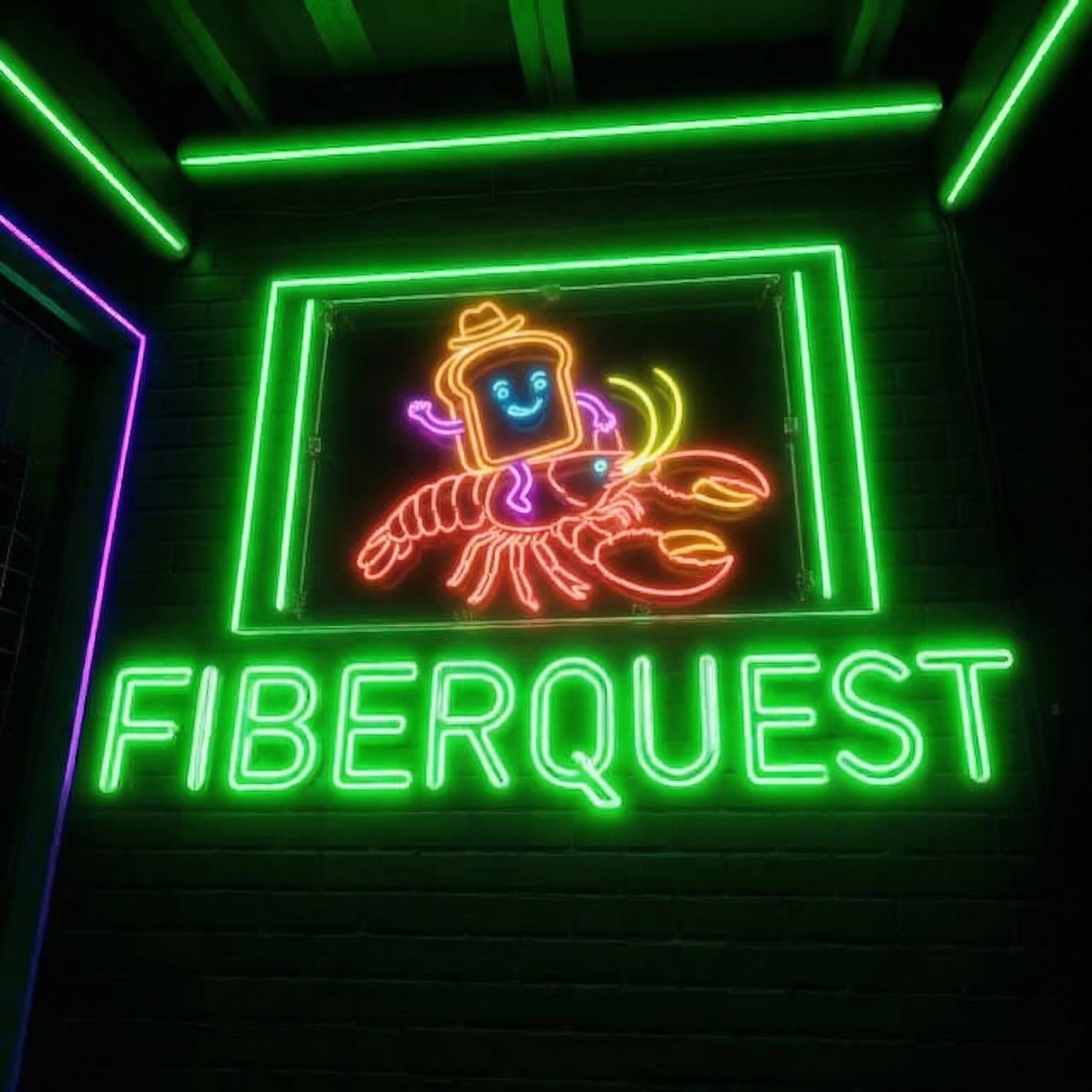
Then for the hackathon came fiberquest.
An electron smart wrapper for the retroarch retro gaming platform that enables blockchain based tournaments. Not direct pvp but block based, time limited competitions, using theoretically, any game you can run in retroarch. The cell model enables the tournament parameters and participants info to be stored on chain by autonomous, inference free, agents embedded into each instance of fiberquest. Frictionless joyID signin and payment. L1 facing to the user with implicit agentic fiber channeling for settlement. I got 95% working by cutoff and spent the next few days getting to probably 98%
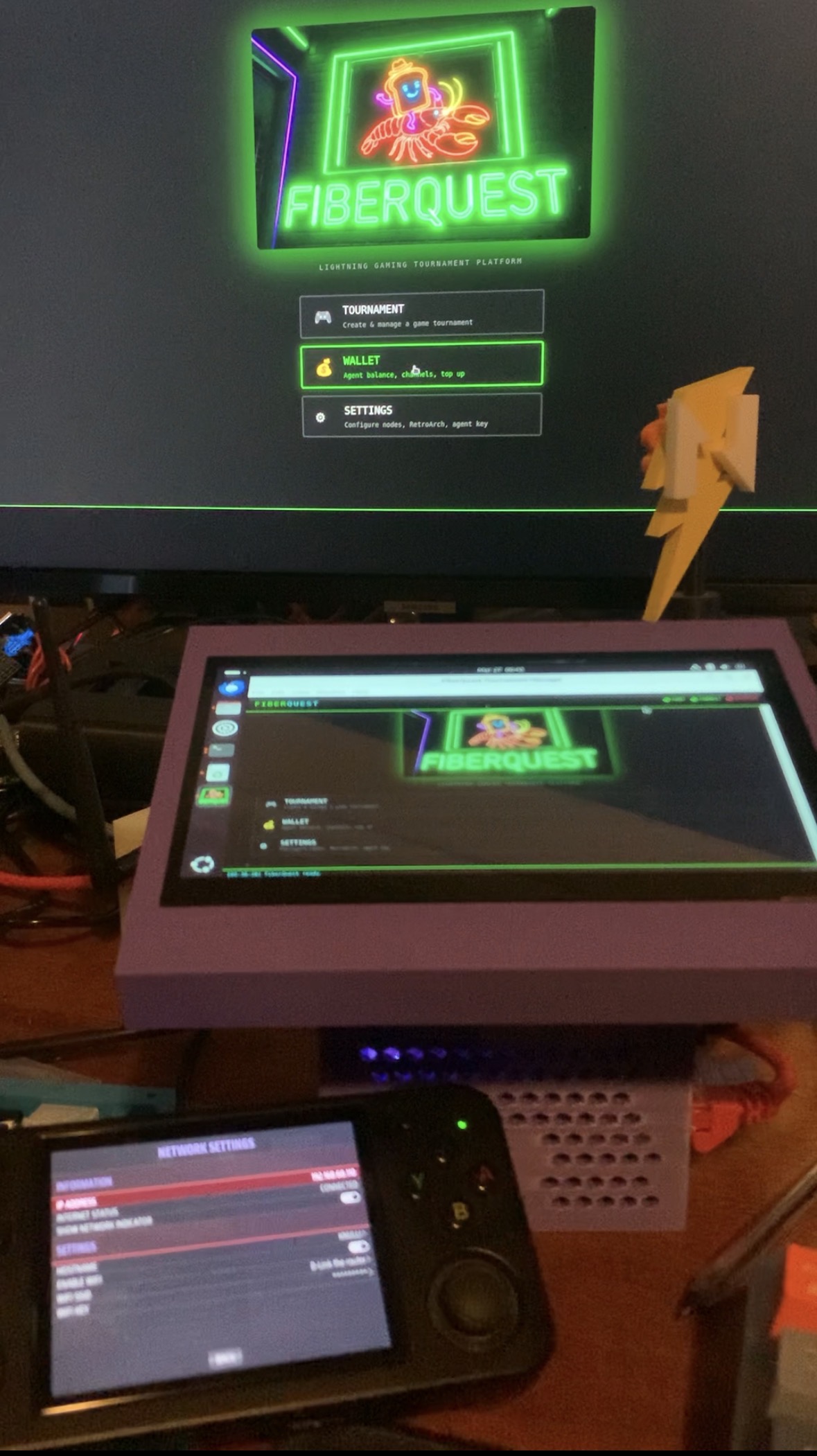
I have a habit of doing side quests in life, It things interesting, keeps me intrigued, keeps me fresh and inspired during extended periods of singular focus. Today I did one, old mate has complete access to a vault full of my ideas so the below is pretty good.


I’ve been tinkering with the idea of getting CKB infrastructure onto retro gaming handhelds for a while. The research has been piling up in the vault — can a light client run on an RK3566? What about the Allwinner H700? Does Knulli ship with pygame? These little ARM devices are everywhere now, they run Linux, they have WiFi, and nobody’s thought to put a blockchain node on one.
Until today.
## The Setup
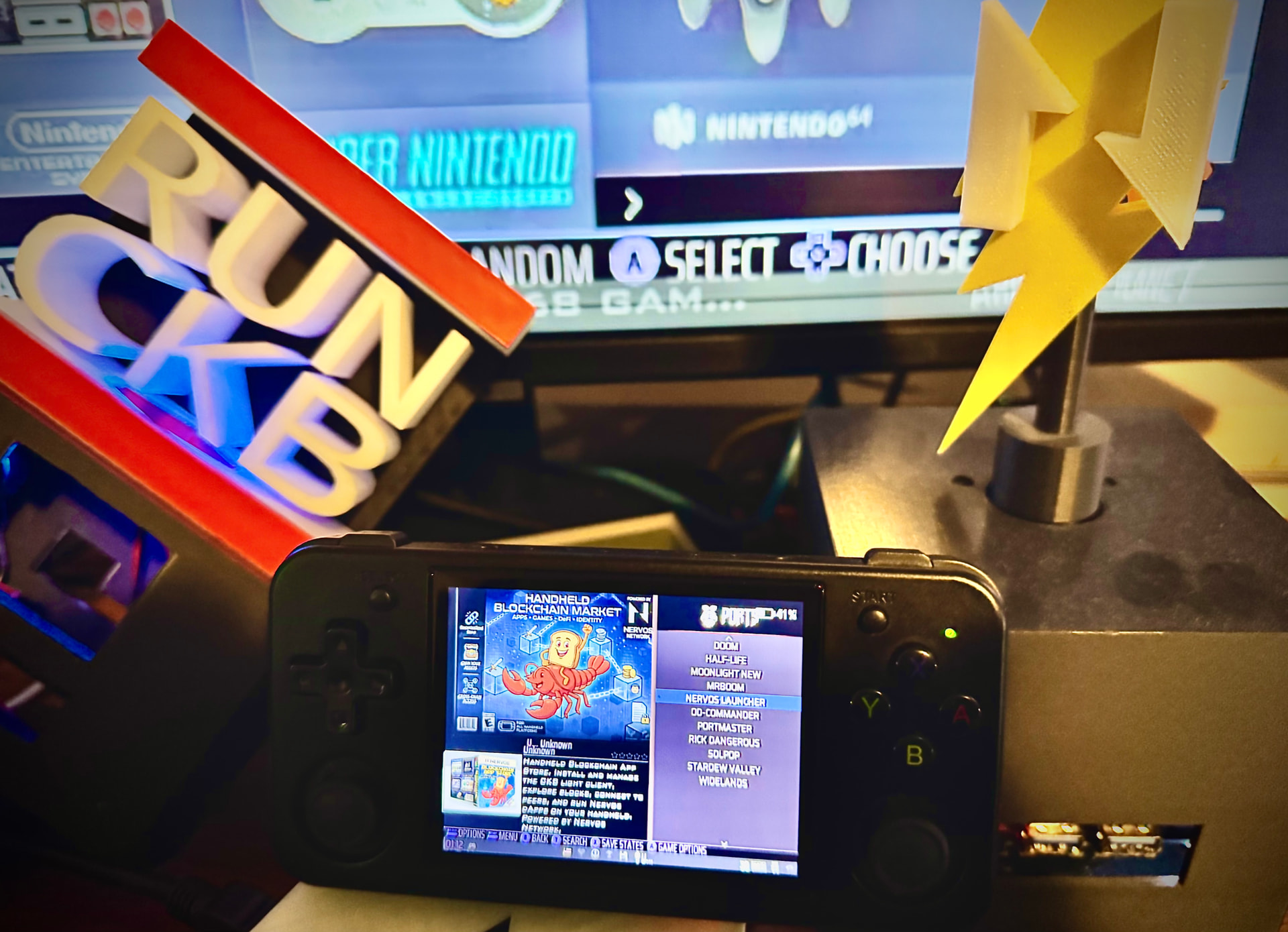
The device is an **Anbernic RG35XX H**. Runs Knulli (a Buildroot-based gaming OS), has a 640x480 screen, a d-pad, face buttons, and 1GB of RAM. Cost me about $50(us). It’s meant to play SNES games. Today it became a CKB testnet node.
The light client binary is the official `ckb-light-client` v0.5.5-rc1 — prebuilt arm64 binaries landed in this release thanks to [PR #265](add linux and macos arm64 release build by eval-exec · Pull Request #265 · nervosnetwork/ckb-light-client · GitHub) which I filed back in January. No building from source needed anymore. Download, run, syncing headers within seconds.
**39MB RSS. 8 peers. Block 20.5 million. On a gaming handheld.**
## Nervos Launcher
One binary on a handheld is cool but it’s not a product. So we built the whole thing — a pygame-based app that runs as an EmulationStation port. You launch it from the same menu you’d launch Mario Kart from.
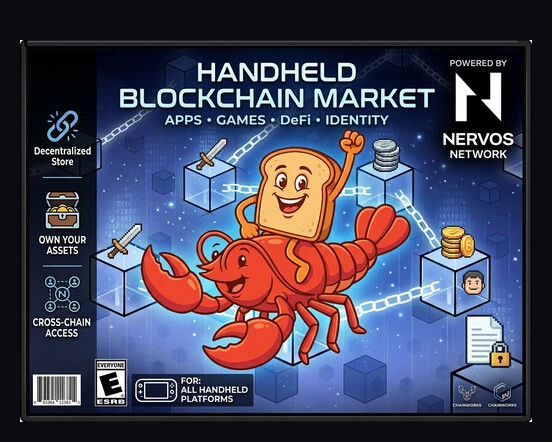
What it does:
- **Home Dashboard** — live block height, peer count, sync status. Updates every 3 seconds. Full node ID and tip hash displayed, no truncation
- **Block Explorer** — scrollable tip header with epoch, timestamps, all the hashes. Word wrapping so nothing gets cut off on a small screen
- **Peer Network** — list of connected peers, press A to drill into detail. Addresses, protocols, connection duration
- **Settings** — install/update the light client directly from the app. Toggle auto-start on boot. Edit config.toml with syntax highlighting. Reset to defaults from GitHub
- **Terminal** — this one’s fun. Five command categories: RPC, Service, System, Network, Install. Shoulder buttons cycle through them. Press Start and an on-screen keyboard pops up so you can type custom commands. All the quick commands are user-editable via JSON
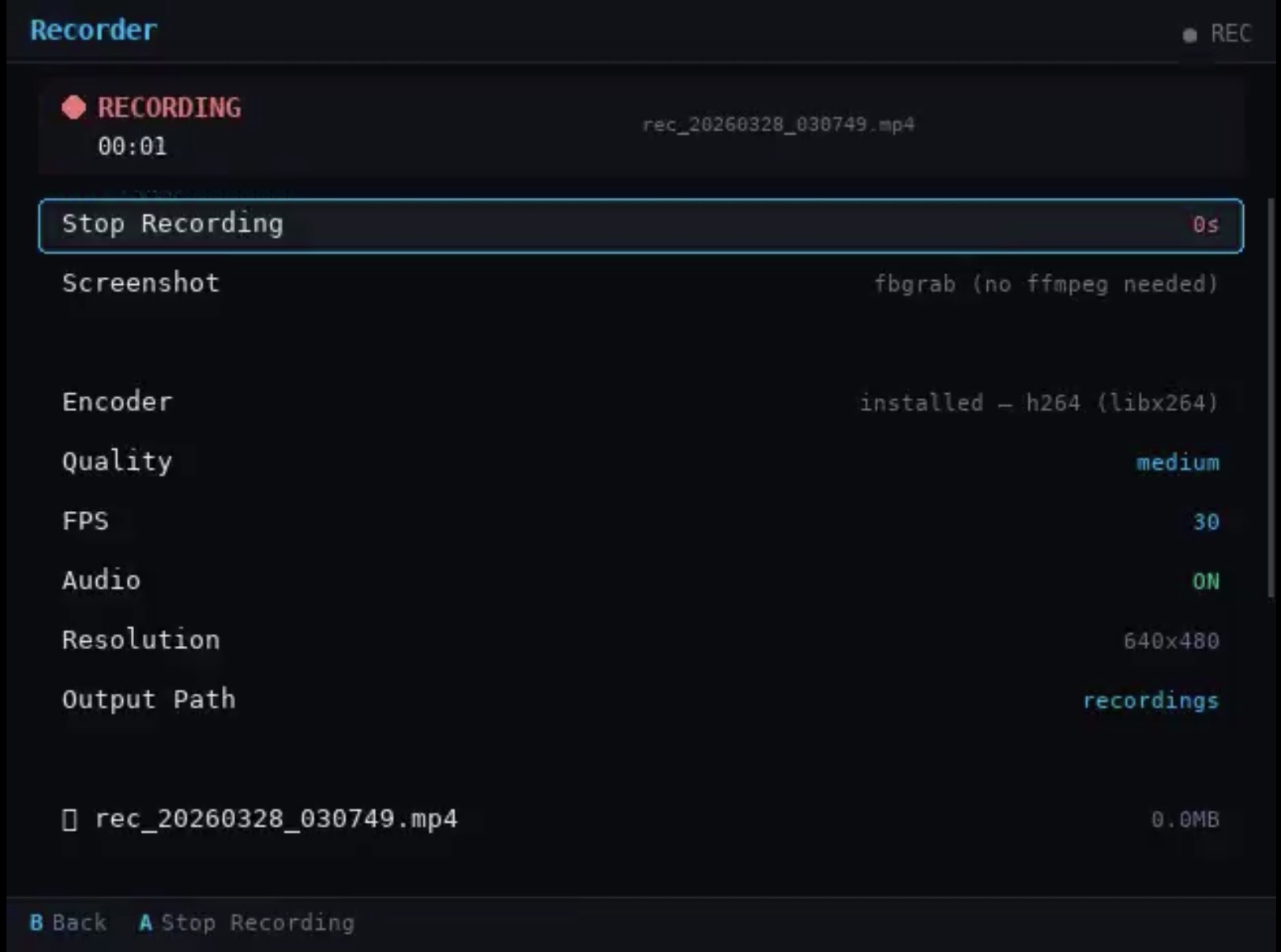
- **Screen Recorder** — yeah. We built a native screen recorder. Records the entire framebuffer — your games, the ES menu, everything. With audio
Every screen is built as a modular page. Adding a new one is literally: create a file in `screens/`, register it in `launcher.py`. The whole thing is designed to become a dApp store over time.
## The Screen Recorder
This deserves its own section because I genuinely think it’s useful beyond blockchain.
These handhelds don’t have a good way to record gameplay. RetroArch has some options but they’re janky and don’t capture the OS-level stuff. We built a proper framebuffer recorder using ffmpeg that:
- Records at up to 30fps in h264 (via a custom ffmpeg we compiled with libx264 + PulseAudio)
- **Captures system audio** — whatever’s playing through the speakers goes into the MP4
- Runs as a **detached background process** — start recording, exit the app, play games, come back and stop. The recording persists across app exits
- Configurable quality and FPS
- Output path selectable via a built-in file manager
The custom ffmpeg build is 11MB. We compiled it on a Raspberry Pi 5 with exactly the codecs needed — libx264, AAC, PulseAudio capture, fbdev input. No bloat.
Here’s an actual recording made on the device — SNES gameplay with background music captured: [Game Recording with Audio](Release v0.2.0 — Screen Recorder + UX Polish · toastmanAu/nervos-launcher · GitHub)
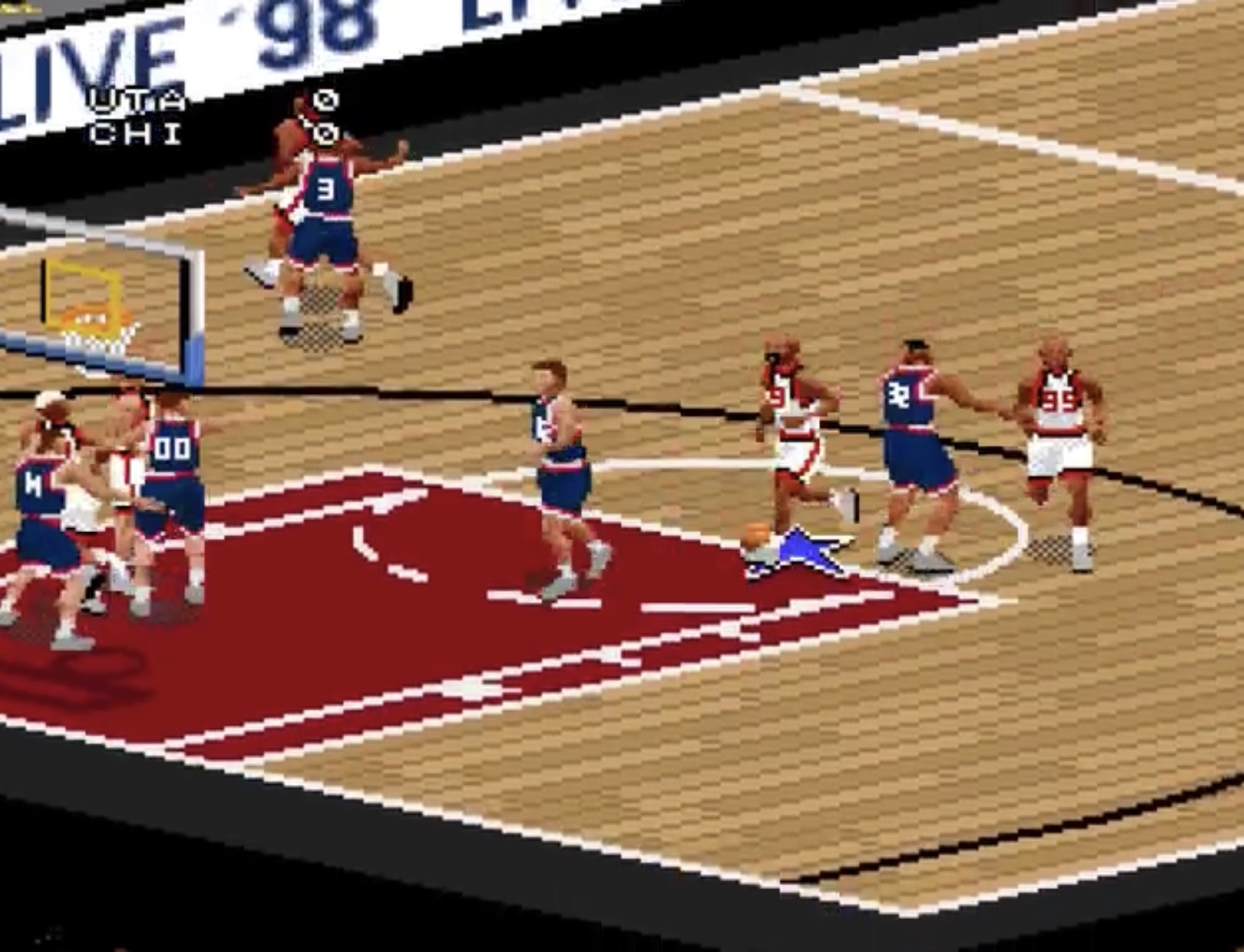
I think content creators in the retro handheld space might actually want this. The fact that it happens to live inside a blockchain app is… well, that’s the plan.
## The Package Manager
No `apt` on Knulli. No `pacman`. It’s Buildroot — read-only rootfs with an overlay. So we built our own lightweight package manager.
It’s dead simple: a `packages.json` file in the repo lists available packages with download URLs for arm64 and x86_64 static binaries. The app fetches the registry, downloads the binary, extracts it, done. No system package manager required. Works on literally any Linux device.
Current packages: `jq`, `yq`, `micro` (text editor), `btm` (system monitor), `duf` (disk usage), `curlie` (HTTP client), and our custom `ffmpeg-nervos` build.
Anyone can PR new packages. It’s just JSON.
## The Bootstrap
Installation on a handheld is one command over SSH:
```bash
curl -fsSL -o /userdata/roms/ports/Nervos-Launcher.sh \
https://raw.githubusercontent.com/toastmanAu/nervos-launcher/main/Nervos-Launcher.sh
chmod +x /userdata/roms/ports/Nervos-Launcher.sh
```
Or just copy the file to the SD card. The launcher self-bootstraps — downloads the full app from GitHub on first run. Detects and installs Python + pygame if they’re missing. Maps your buttons. Then you install the light client from within the app itself.
No SSH required after the initial file copy. A completely network-locked device could theoretically install from SD card and then enable SSH from within the app’s terminal.
## First Boot Flow
1. Launch from Ports menu
2. App downloads from GitHub (~2 seconds)
3. Button mapping screen — d-pad, thumbstick, face buttons, shoulders. 12 inputs. Works with any gamepad layout
4. Home screen shows “Light Client Not Installed”
5. Settings → Install → watch live progress as it downloads the binary
6. Light client starts syncing. Block height starts climbing
7. Enable auto-start → survives reboots (writes to `/userdata/system/services/`, not the overlay)
The whole thing from zero to syncing chain takes about 2 minutes.
## Compatible Devices
Tested on the RG35XX H but it should work on 60+ devices. Any Linux handheld with arm64 or x86_64, pygame, and SSH access:
- **Knulli devices**: RG35XX series, RG40XX, RG28XX, RG CubeXX, TrimUI
- **ROCKNIX devices**: RG353 series, Retroid Pocket 5/6, Ayn Odin 2, GameForce Ace
- **SBCs**: Raspberry Pi, Orange Pi, Steam Deck
- **Anything with Python + pygame**
Full compatibility table in the [README](GitHub - toastmanAu/nervos-launcher: Nervos Blockchain App Store for retro gaming handhelds — CKB light client, block explorer, dApp platform. Runs as an EmulationStation port on Knulli, ROCKNIX, Batocera, and 60+ devices. · GitHub).
## What’s Next
This is testnet only right now. No mainnet, no real funds, no wallet functionality yet. The immediate roadmap:
- **PortMaster submission** — one-tap install from the PortMaster app store that ships on most handhelds
- **dApp Store screen** — plugin manifest, installable modules with images and descriptions
- **FiberQuest module** — retro gaming tournaments with Fiber payment channels. The handheld becomes a self-contained tournament node
- **Wallet module** — watch addresses, check balances via the light client RPC
- **Nervos OS** — eventually fork Knulli with CKB tools baked in as a first-class system
The widget library we’ve built (keyboard, editor, file manager, package manager, recorder) is essentially an SDK for building handheld blockchain apps. A developer making a new module just imports the widgets they need and registers a screen.
## Links
- **Website**: Nervos Launcher — Wyltek Industries
- **Release (with demo videos)**: Release v0.2.0 — Screen Recorder + UX Polish · toastmanAu/nervos-launcher · GitHub
- **CKB Light Client**: GitHub - nervosnetwork/ckb-light-client: CKB light client reference implementation · GitHub
- **ckb-light-esp (C port for ESP32)**: GitHub - toastmanAu/ckb-light-esp: CKB light client for ESP32 — Arduino/PlatformIO, modular transport (WiFi/LoRa/LoRaWAN), Noise encryption · GitHub
Built by [Wyltek Industries](https://wyltekindustries.com). All open source. MIT licensed.
The lobster rides again.