A paid-reading demo: hosting a personal blog with Fiber L402
Preview: fiber-l402-web.vercel.app
Repo: GitHub - RetricSu/fiber-l402 · GitHub
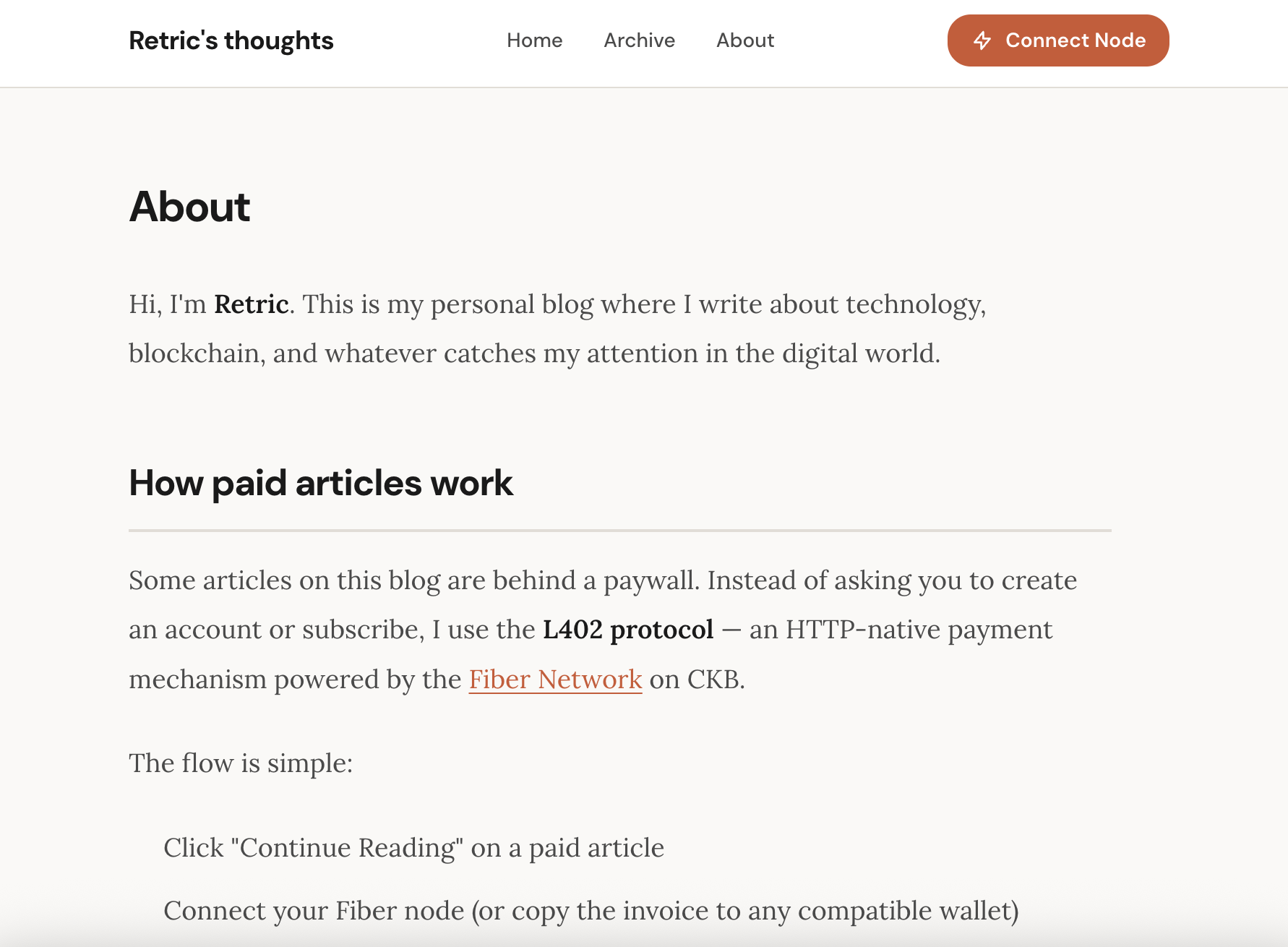
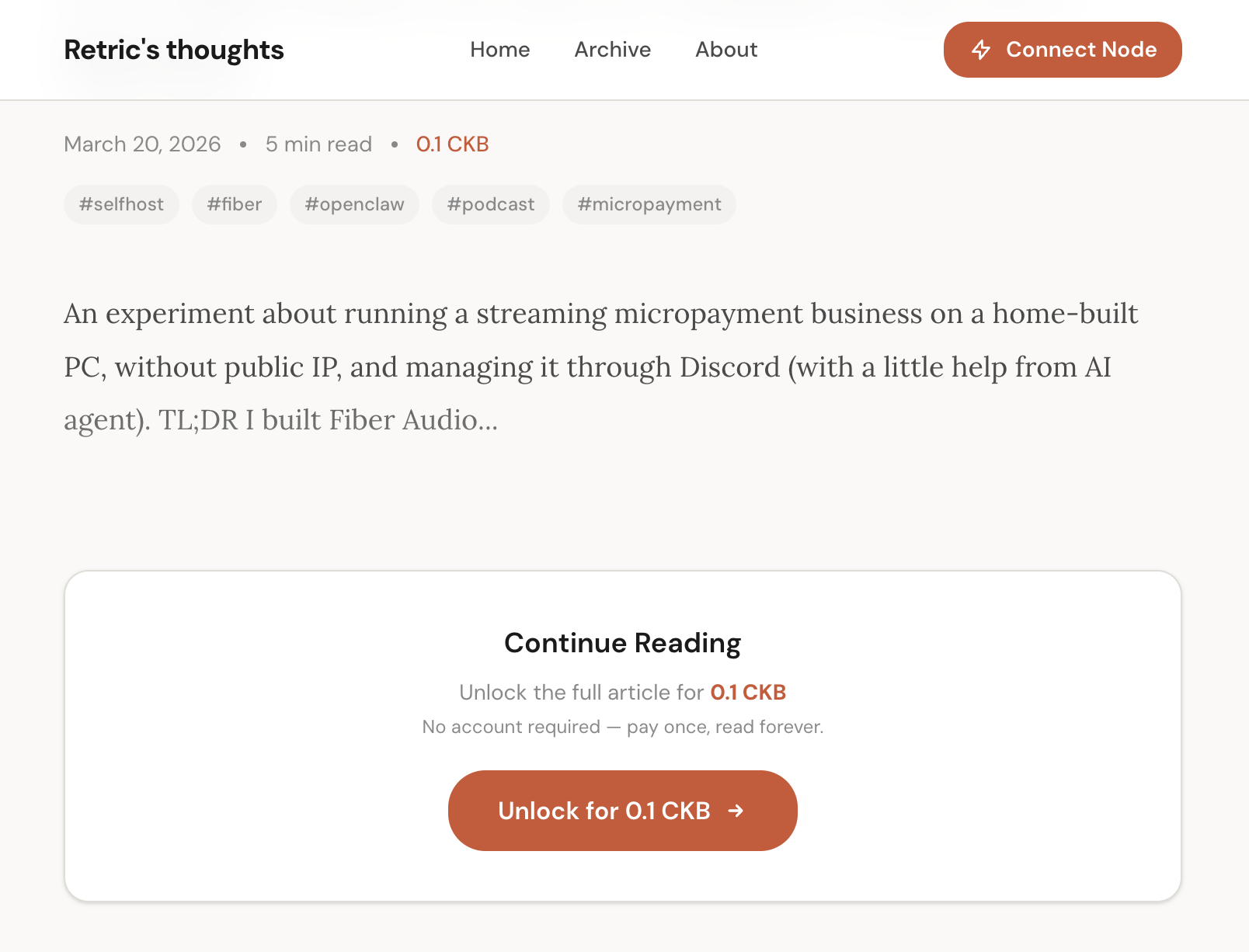
Hey everyone! I recently built an simple L402 protocol implementation on top of Fiber Testnet, consisting of a reusable SDK and a paid blog demo application. I’d like to share the ideas here — feedback and discussion are very welcome!
If you’ve been following Web3, you’ve probably heard of HTTP status code 402 — “Payment Required.” It was reserved in the HTTP spec ages ago, yet has never seen widespread adoption, simply because the Web has long lacked a native, low-friction payment mechanism to go with it.
The L402 protocol was created to fill that gap. The core idea is straightforward:
- A client requests a protected resource
- The server responds with 402 Payment Required, along with a Macaroon (authentication token) and an Invoice (payment request)
- The client pays the Invoice and obtains a payment proof (preimage)
- The client retries the request with the Macaroon + preimage; the server verifies and returns the content
This flow was originally proposed and implemented in the Bitcoin Lightning Network ecosystem. Now, Fiber Network offers the same instant payment capabilities so the goal of this project is to bring the L402 protocol to Fiber Network with a straitforward usecase like a paid-reading personal blog.
The blog’s backend is built with Express and is intentionally minimal. The core idea is simply attaching L402Middleware to the article content route:
GET /api/articles— Public endpoint; returns a list of articles (without full content)GET /api/articles/:id— Public endpoint; returns article metadata (title, preview, price)GET /api/articles/:id/content— L402 protected; requires payment to access the full article
Articles are stored as MDX files and loaded via ArticleService. Each article can have its own price.
The paywall component on the article page supports two payment modes:
Mode 1: Auto-pay via Connected Node (Recommended)
When a user has a connected Fiber node, clicking “Pay with Connected Node”:
- The frontend directly calls
sendPayment()on the user’s Fiber node - Polls
getPayment()until payment completes - On success, requests the backend with the Macaroon (without preimage)
- The backend queries the invoice status via Fiber RPC, confirms payment, and returns the content
Mode 2: Manual Preimage Verification
If the user pays with a different wallet:
- The frontend displays the invoice address (with a copy button)
- The user pays using any Fiber-compatible wallet
- The user pastes the payment preimage into the input field
- The frontend sends the
Macaroon:preimagecombination to the backend for verification
These two modes correspond to two real-world L402 usage scenarios — sometimes your application can interact directly with the user’s node (e.g., a browser extension or an AI agent), and sometimes you can only receive the payment proof.
How to Run
git clone https://github.com/RetricSu/fiber-l402
cd fiber-l402

# Configure environment variables
cp .env.example .env
# Edit .env to set L402_ROOT_KEY and FIBER_RPC_URL

# Install dependencies and start
pnpm install
pnpm dev

# Web:   http://localhost:4321
# Proxy: http://localhost:3001
Requires Node.js 20+ and pnpm 9+. If you have a running Fiber node, you can experience the full payment flow. Without a Fiber node, you can still test the basic 402 challenge flow.
This demo is just a starting point. If you’re interested in L402 or building applications on Fiber Network, feel free to clone the project and give it a spin, or drop a comment below — I’d love to hear your thoughts!
Links:
- Source code: GitHub - RetricSu/fiber-l402 · GitHub
- Fiber Network: GitHub - nervosnetwork/fiber: A scalable, privacy-by-default payment & swap network · GitHub
- L402 Protocol spec: GitHub - lightninglabs/L402: Pay for APIs with Lightning. Authenticate with the receipt. HTTP 402, realized. · GitHub
- Macaroons paper: Macaroons: Cookies with Contextual Caveats
