Quick update for CellScript Official Site v1
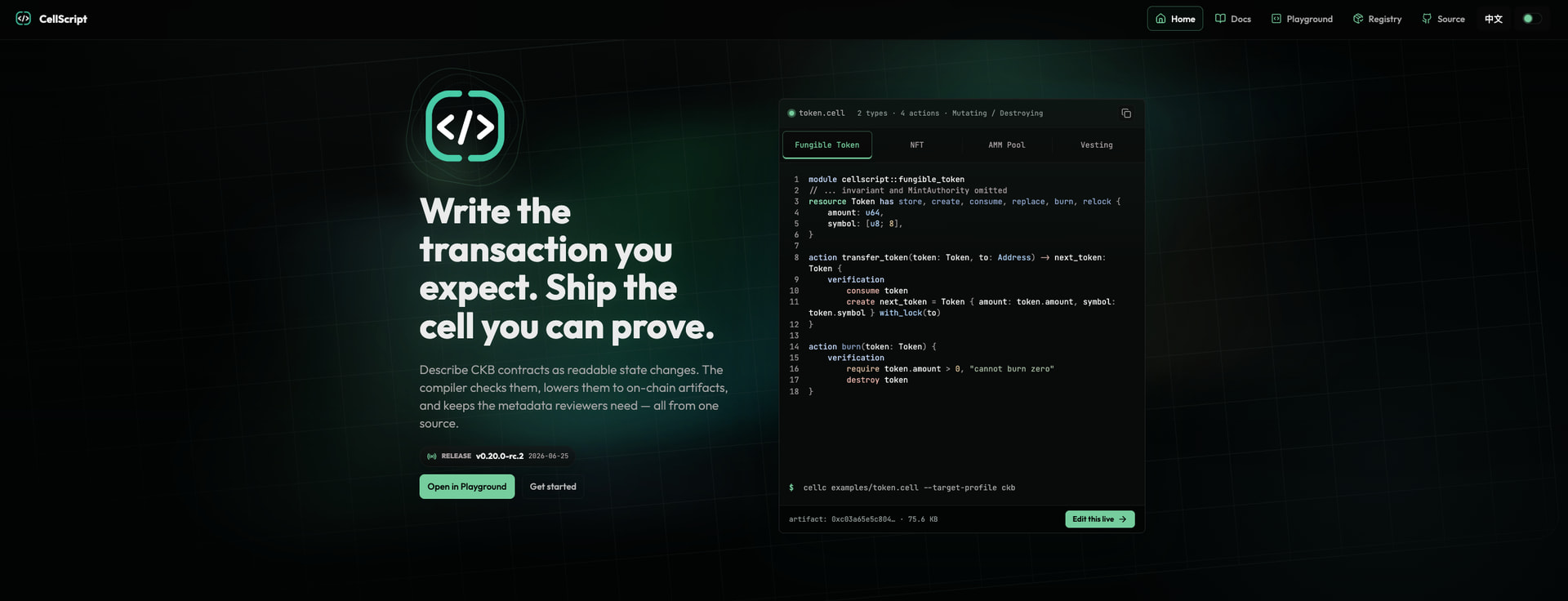
Following up on the website release notes thread, I have revamped the site and been turning the Playground from a single text box into a small online IDE for learning and inspecting .cell contracts.
Playground is now live.
What users can do now:
-
Open examples directly from the Playground.
-
Work with multiple
.cellfiles in a small file tree. -
Set the entry file explicitly.
-
Import and export source files / workspace packages.
-
See errors in the right sidebar while editing.
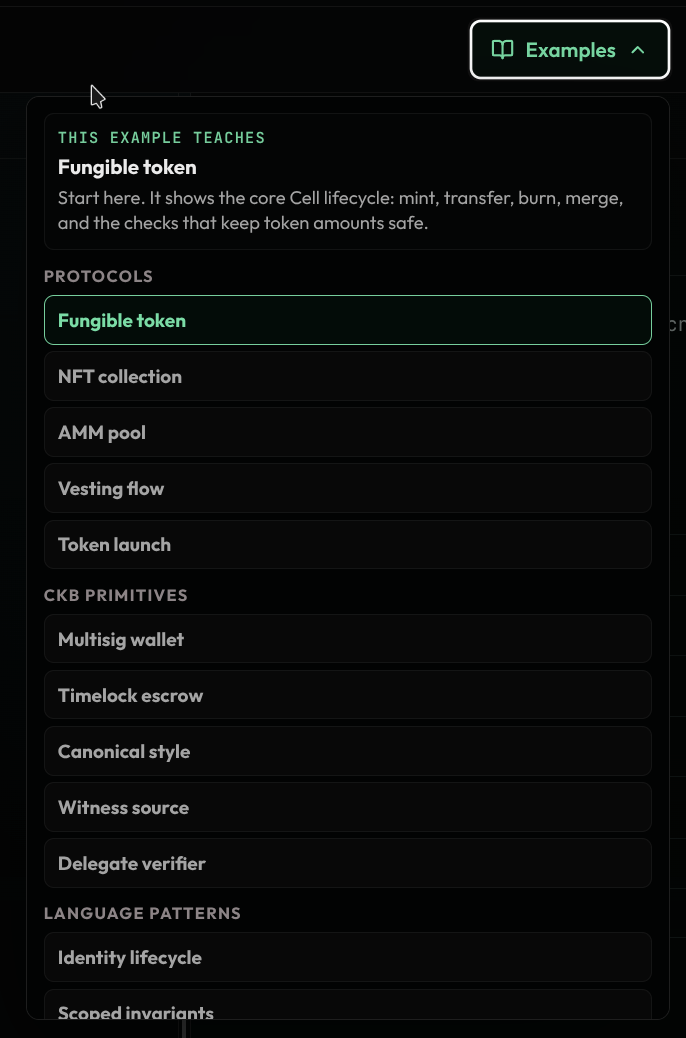
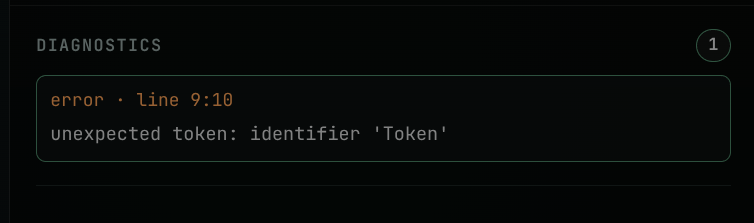
- Inspect compiler output in a more natural order: Actions, Types, then Metadata.
- Use a more editor-like experience: indentation, multi-line indent/outdent, bracket pairing, and cleaner examples menu behavior.
A small note on the three output views:
Actions describe what the contract says will happen to Cells: which Cells are consumed, created, replaced, burned, or relocked. This is the transaction-shape view.

Types show the structured data model the compiler understands: resources, fields, fixed types, vecs, and other typed pieces that make the contract reviewable.

Metadata is the build evidence. It is the JSON-like record that tools and reviewers can inspect after compilation: actions, types, hashes, effects, target information, and warnings.
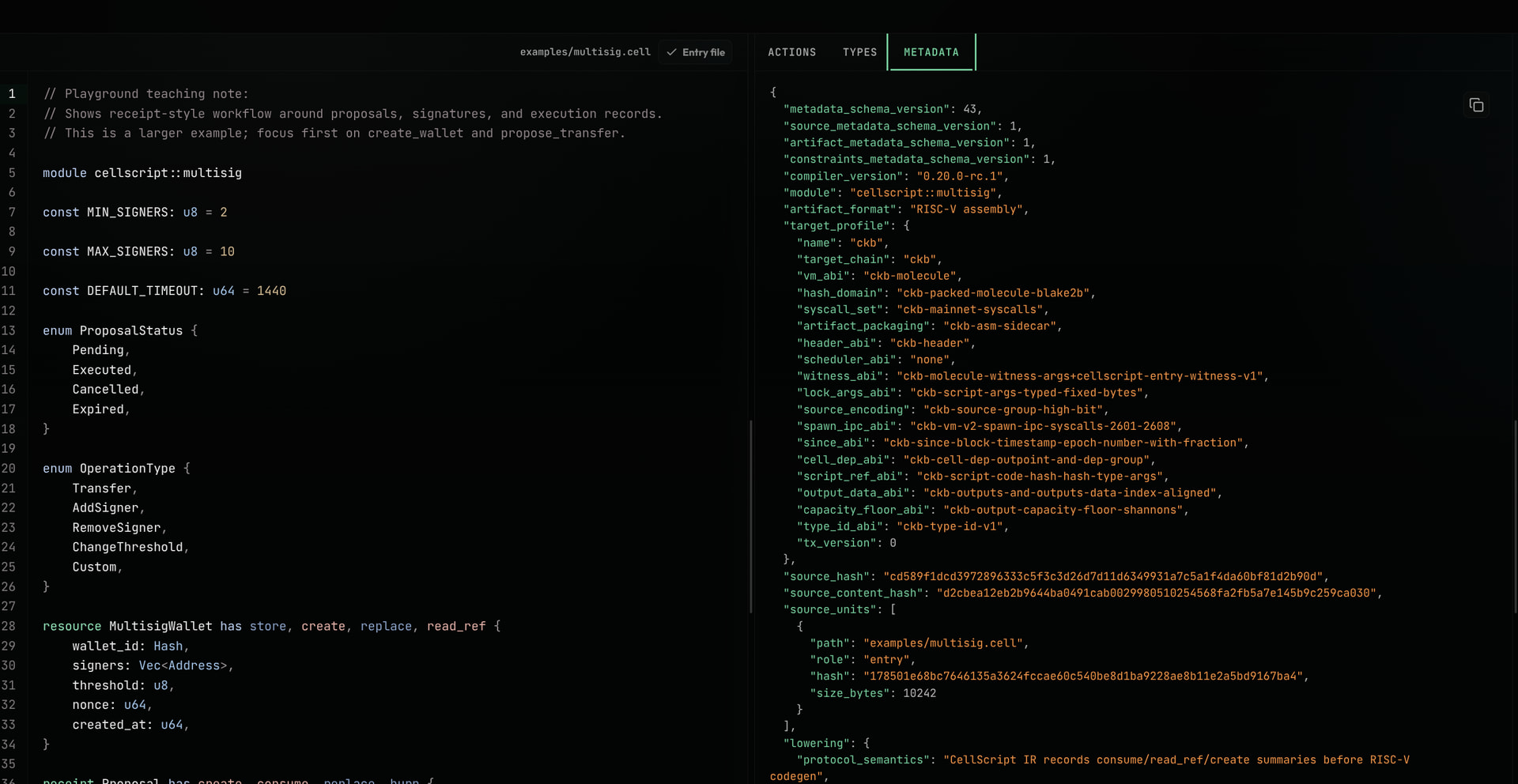
The goal is that someone can open the Playground, pick an example, edit it, immediately see what broke, and then inspect the compiler’s view of the contract without setting up a local project first.
This is also a step toward a more complete builder flow. I may build the next layer as an interactive transaction builder, so users can go from CellScript source → metadata/action model → actual CKB transaction construction. Some of that direction is already visible in the AMM builder integration work being explored by @WuodOdhis here: